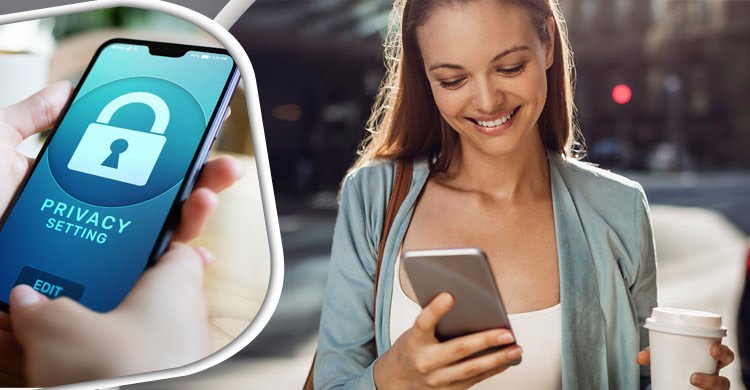
The daily companion mobile phone is actually our personal information store. number. This cyber crime This device is now more personal than the hand Beware of the safety of the people who are not safe. It is important for everyone to consider several things in the use of smartphones, which can reduce the risk of data theft.
keep the phone locked
Keep your mobile phone locked in the pattern or password. If you need to use the app lock, don't use one password for a long time. Change the password or pattern lock.
Encrypt the device
Encrypting data can slow down the phone's speed, but keep the data from the security settings of the Android and keep your data safe.
In this, the password and pins of the mobile phone or tab are entered into the data or information each time, if the phone is encrypted, if the phone is encrypted. It gets in the hands of the miscreants and turns it on again, but the PIN or password can't steal the information.
Download the app from anywhere
Download Google Play Store apps for Android, researchers suggest, just get the source and download the app from the known platform. Check if your permission is being asked before installing an application and be sure about the source of the app before you can allow it.
Keep backup of data
It is better to keep the data backup of all mobile phones, but save all the information on Google Drive or your personal laptop wherever the mobile phone is useless, so that the information is not a problem.
Do not root the phone If the mobile phone is rooted, the custom android ROM can be installed as well as the harmful apps installed, the root access facility app can open the product file system for other harmful apps.
Keep software updated
Keep mobile phone software updated, with several security patches every time you update.
Cannot give to anyone personal information
Never share online banking ID, password or debit card number or PIN with anyone.
SD card does not have sensitive information
If you need to save some important information, do it in internal memory. Be careful about storing personal or financial information on mobile phone SD card. It is better not to rely on SD card to save important information as easy to delete SD card information and take hand.
Office work on your own device
If your device If you have to use it for office work, take advice from the IT team or officials in the office and keep the necessary information on your phone as per their instructions. Remember, 30 to 40 percent of the risk of being attacked by a virus is not aware of the risk of using your device in office work.
Source: Times of Indita and others