

The announcement of Windows 11 from Microsoft was already on June 24. But before that, it was understood that what was in the new operating system was leaked in the experimental version of the new Windows (Beta Dave version Build 21996.1) in mid-June. Many people find it and install it on their computer.
But now there is no need to do so much lanks because, from the settings of Windows, you can easily install a trial version of Windows 11 (Beta Dev Version Build 22001.51). Let us do that today. Let's know how to update the official beta of Windows 8 or Windows 11.

Don't forget to backup the information on the computer you want to install.
Minimum Everything Required On Computer For Windows 11 Install
- 1 GHz or higher processor
- At least 4 GB RAM
- 64GB of empty storage
- System firmware must be in UEFI mode and
- Must have TPM 2.0 chip
In many cases, Windows 11 cannot be installed even on a high-configuration computer. The problem is that we will see the solution of this article and also know what new benefits have come.
Most users face the first and major problems in the TPM 2.0. Press Win + R button on your current Windows operating system PC to find out if this TPM chip is on your PC or not.
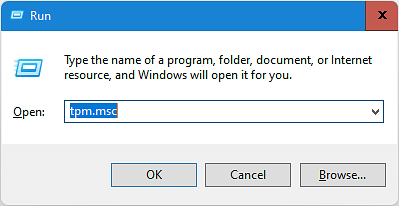
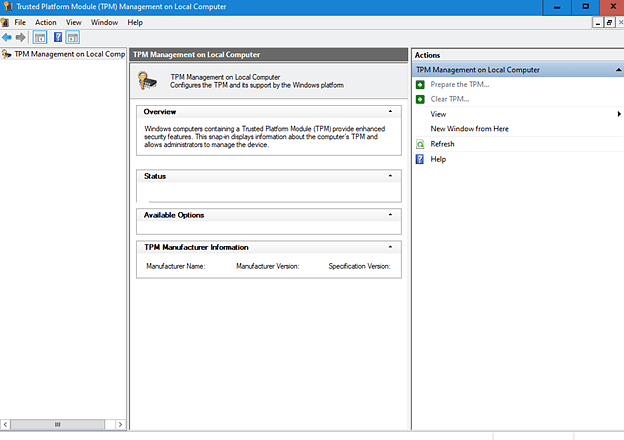
When the run interface comes, type ‘TPM.msc’ and click the OK button. If your PC has a TPM chip, the interface will show like the image below.
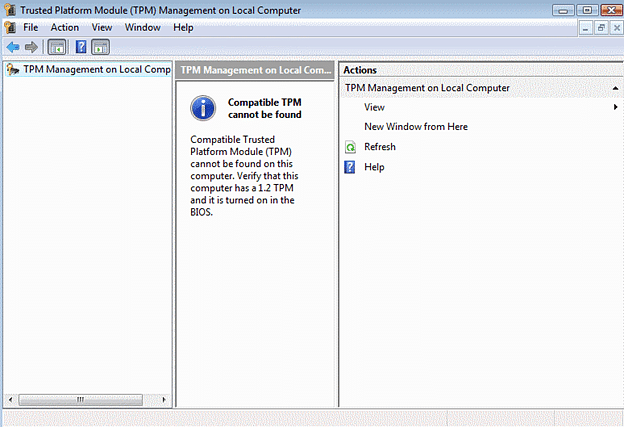
And if there is no TPM chip, then the interface will show.
Most of the users have TPM chips on their PCs, but they don't have Windows 11 running on their PCs. In this case, the version of the TPM chip will have to be updated.
First check from the device manager of your PC to make sure that there is a TPM chip or not. For this, press the Win + R button again. When the run interface comes, enter the command ‘devmgmt.msc’ and enter it.

Then you will see the TPM chip in the Security Devices tab. If you don't see TPM chip in TPM.msc command but show TPM chip in device manager, then you need to activate TPM chip from Batos.
To activate the TPM chip from BotOS, restart your PC and if it is off, press the F10, F2, F1, F1, F1, or DEL button to the ON if it is closed and enter the Missiles in the Security, Advanced or Settings option and enter the Missilelenitas part in the Intel Platform Trust Technology (PTT).
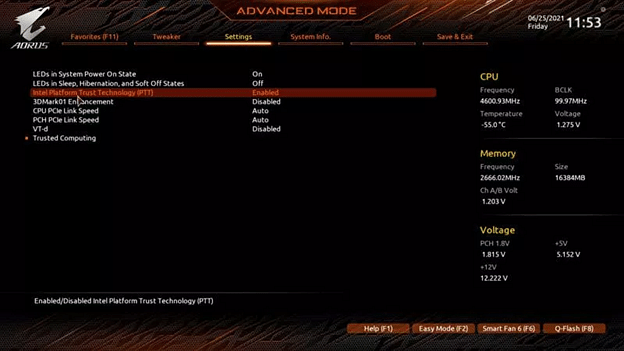
Then activate the Secure Boot option in the boot menu and restart the PC with ‘Save and Exit’.
If you still show the error message in TPM, in that case your model from your motherboard brand website is the TPM chip. If you can install the driver in the name, if you see the same model already installed, click on the TPM.msc TPM from the run interface.
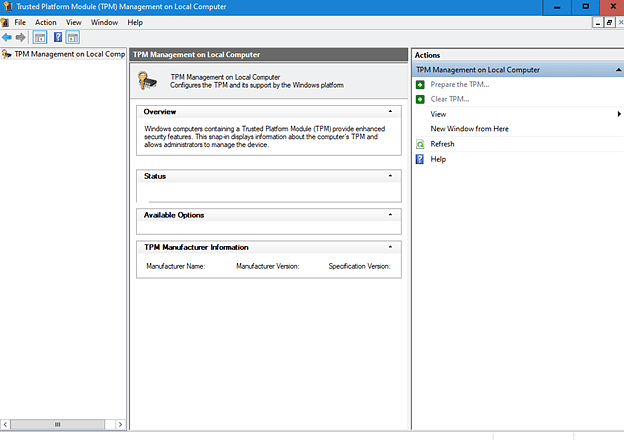
Then your PC will restart and after restart click on TPM.MSC and click Prepater the TPM or Setup TPM again.
How to Install Windows 11 if you don't get a TPM chip
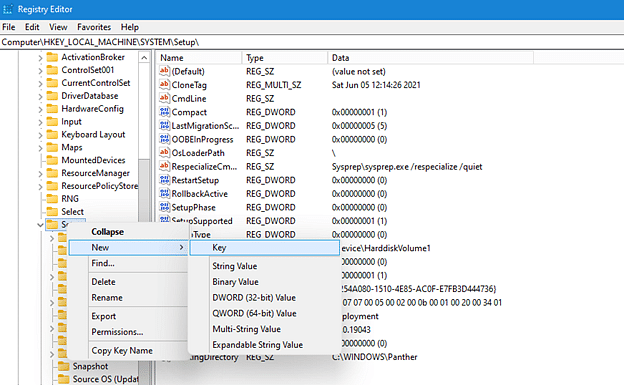
First press the two buttons Win + R Run the run and give the command ‘Regedit’. Then in HKEY_LOCAL_MACHINESTEMETUP, right click on setup and select New > Key.
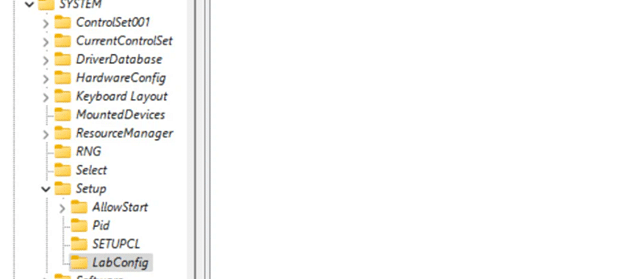
Then press the file name ‘Labconfig’.
Now right click on the mouse on LabConfig and select New > DWord (32-bit) value and create another value ‘ByPasStpMcheck’, and set its data to ‘1’. Now bypassSecureBootCheck value and set the data to ‘1’, as if it looks like the image below.
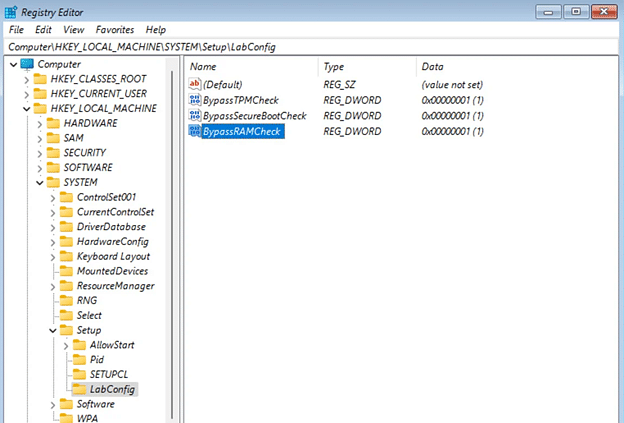
Now turn off the registry editor. Your PC is ready to boot into Windows 11.
Those who have a TPM chip, now go to Device Manager's Disk Management. To do the work, press the Win + R button and enter the ‘diskmgmt.msc’ command on the run interface as usual. Then right click on your hard disk and go to Properties.

Then check your partition style in volume and see if it is GPT or not. If MBR, convert the hard drive in GPT mode. It is good if Windows is installed in GPT mode, because if you want to convert, there is a risk of data loss.
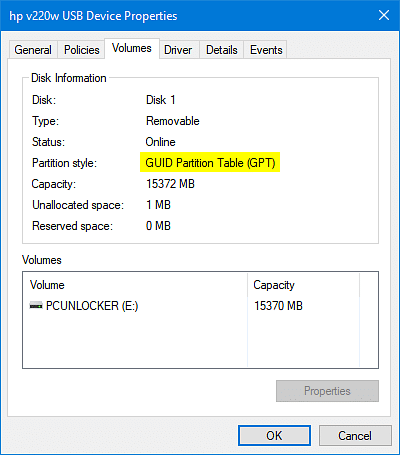
Finally, if your hard drive boot style is in GPT mode and the TPM chip is active, then assume that your PC is ready to update on Windows 11.
First go to the Windows settings. Click on the Windows Insider program in & Security. If you are not already involved in the Insider program, get Started Click on.
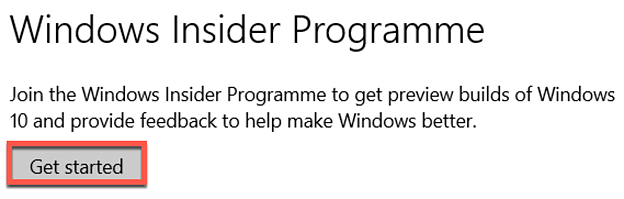
Then click on Link An account and sign in to your Microsoft account. Once you are signed in, select Dev Channel in the next window and confirm.
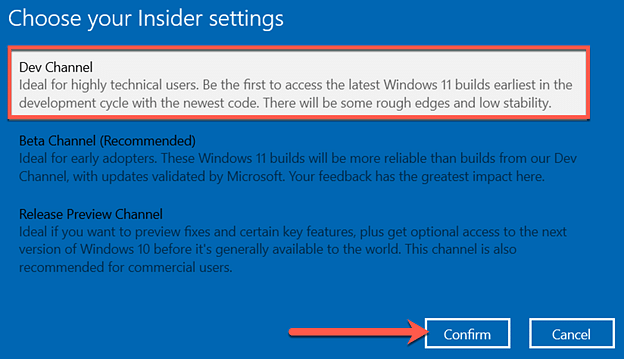
Click Confirm in the next window as well.
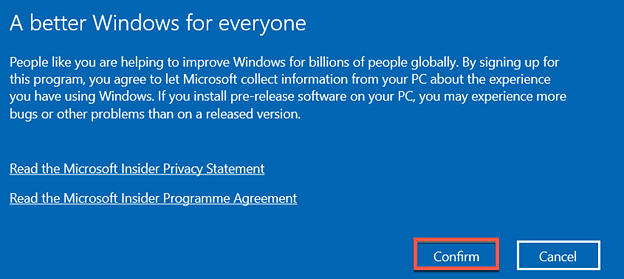
Then restart your PC.
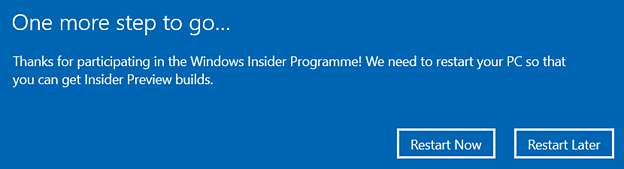
Restart afterwards update to Settings again In the & Security, enter the Windows Update, then click on Check for Updates.
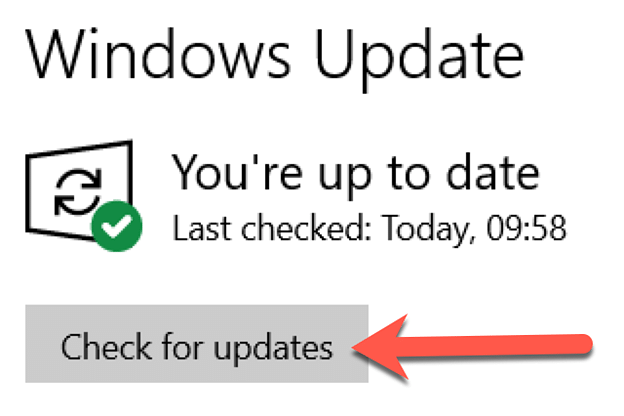
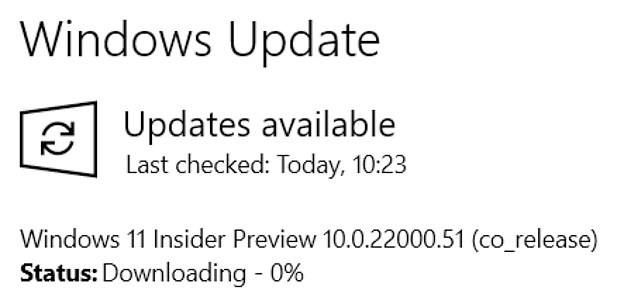
After loading for a while, the desired Windows 11 download will start.
If you don't want to get preview build after that, select Windows Update from the left side of the setting.
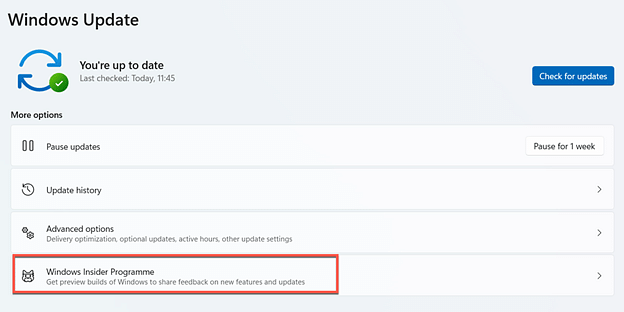
Then click on ‘Stop Getting Preview Builds’ in the Insider program and click on ‘Unnroll this Device Immediately’.
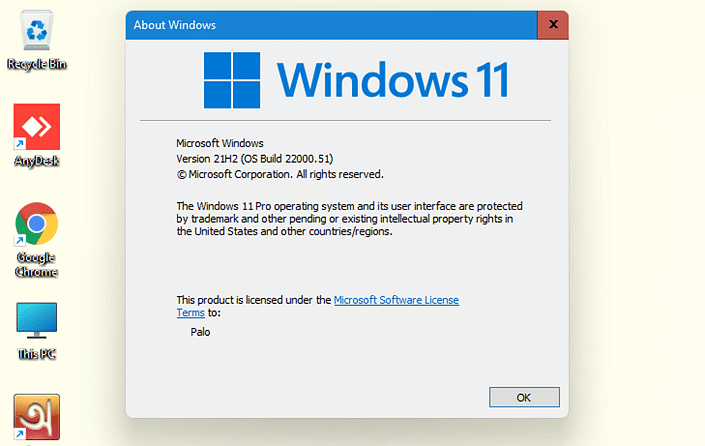
Now you have to install Windows 10 before you update the settings, but the beta version usually has some errors. Wait for the full version of Windows 11.